Using the Security Log
As an administrator, ChangeGear allows you to view a log of transactions performed on the system.
- Click Web Administration > Security Log. ChangeGear displays the Security Log screen.
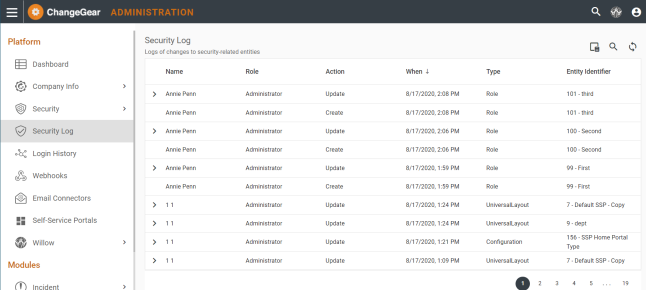
- This screen shows a list of actions taken by Name of who performed the action, Role of the entity performing the action, the Action taken, When it was taken, Type, and Entity Identifier.
- Using the column chooser button
 you can also view the Role ID, User ID, Accessed By,
Created By, and Modified By,
you can also view the Role ID, User ID, Accessed By,
Created By, and Modified By,